Cybersecurity Awareness: Recognizing Email Threats
Why Email Security Matters
Emails are the backbone of modern communication but also a prime target for cybercriminals. Threats like phishing, malware, and social engineering can lead to devastating outcomes such as data breaches, financial loss, and damage to reputation. Did you know that 90% of cyberattacks begin with a phishing email? By staying informed, you can be your first line of defense.
Common Email Threats
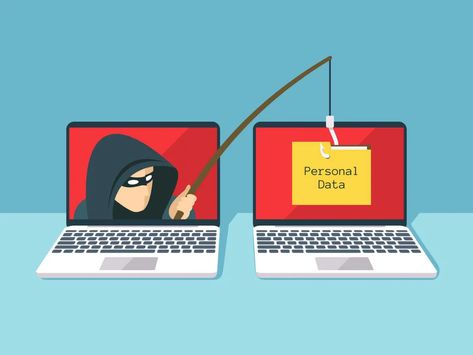
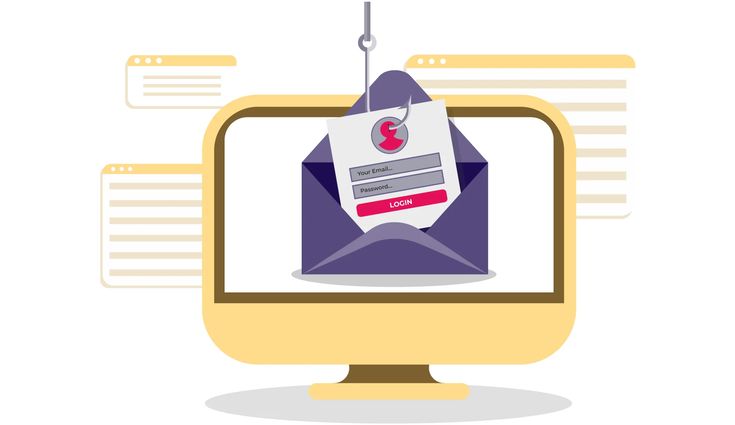
- Phishing Emails: Fraudsters impersonate trusted entities to steal sensitive information. Example: An email claiming to be from your bank asking for login credentials.
- Malware Attachments: Files containing malicious software can compromise your system. Example: A "job offer" attachment that installs spyware.
- Social Engineering Attacks: Attackers manipulate users into performing unauthorized actions. Example: A fake email from your "IT department" asking for your password.
Best Practices to Stay Safe
1. Scrutinize the Sender
Always verify the sender’s email address. Look for subtle differences such as paypa1.com instead of paypal.com. Legitimate emails typically come from professional domains, not free services like Gmail or Yahoo.
2. Handle Attachments with Care
Only open attachments if you are expecting them. If in doubt, contact the sender through verified channels. Always scan attachments with antivirus software before opening them.
3. Examine Links Thoroughly
Hover over links to preview their destination. Avoid clicking on shortened URLs or links that seem out of place. When in doubt, manually type the website address into your browser.
4. Report Suspicious Emails
Inform your IT or security team about any dubious emails. Prompt reporting helps protect both you and your organization.
The Role of Email Disclaimers
Our disclaimer, "This email was sent from outside our organization," serves as a crucial reminder. It encourages users to:
- Pause and verify unexpected requests from unknown sources.
- Double-check emails involving financial transactions or sensitive information.
- Follow established procedures for reporting suspicious emails.
Need Help?
If you’re unsure about an email’s authenticity, consult your IT or security team. It’s always better to err on the side of caution than to fall victim to a scam.
- Think before you click: Always inspect links and attachments carefully.
- Trust your instincts: If an email feels suspicious, don’t interact with it.
- Enable Multi-Factor Authentication (MFA): Adding an extra layer of security can safeguard your accounts even if credentials are stolen.
By staying vigilant and adopting safe email practices, you help protect yourself and your organization from cyber threats. Remember, your awareness is the strongest defense against email scams.